SAFETY NET Mini Digital Voice Recorder, Built in Speaker, Professional Audio Recorder MP3 Player TF Card Dictaphone Record Microphone Sound Recording

1499
Product Description
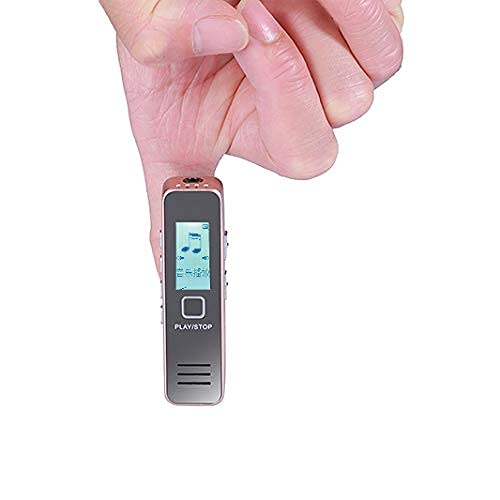
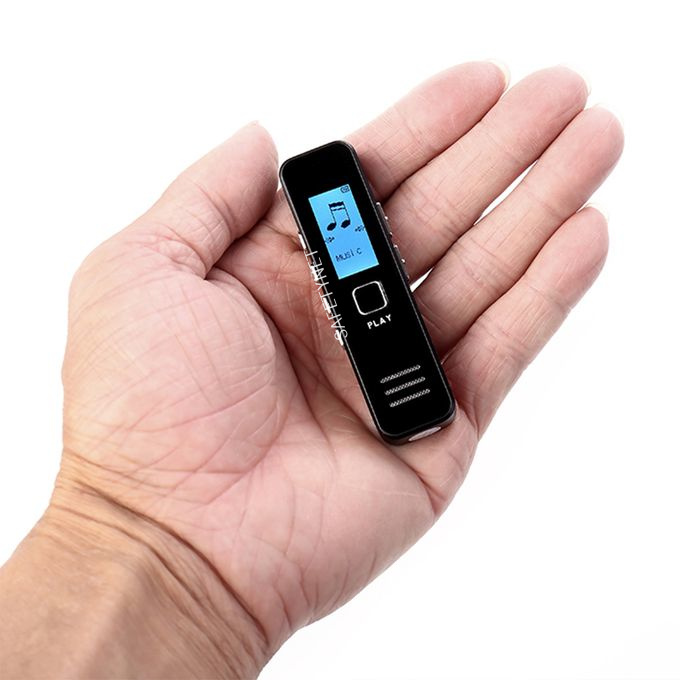
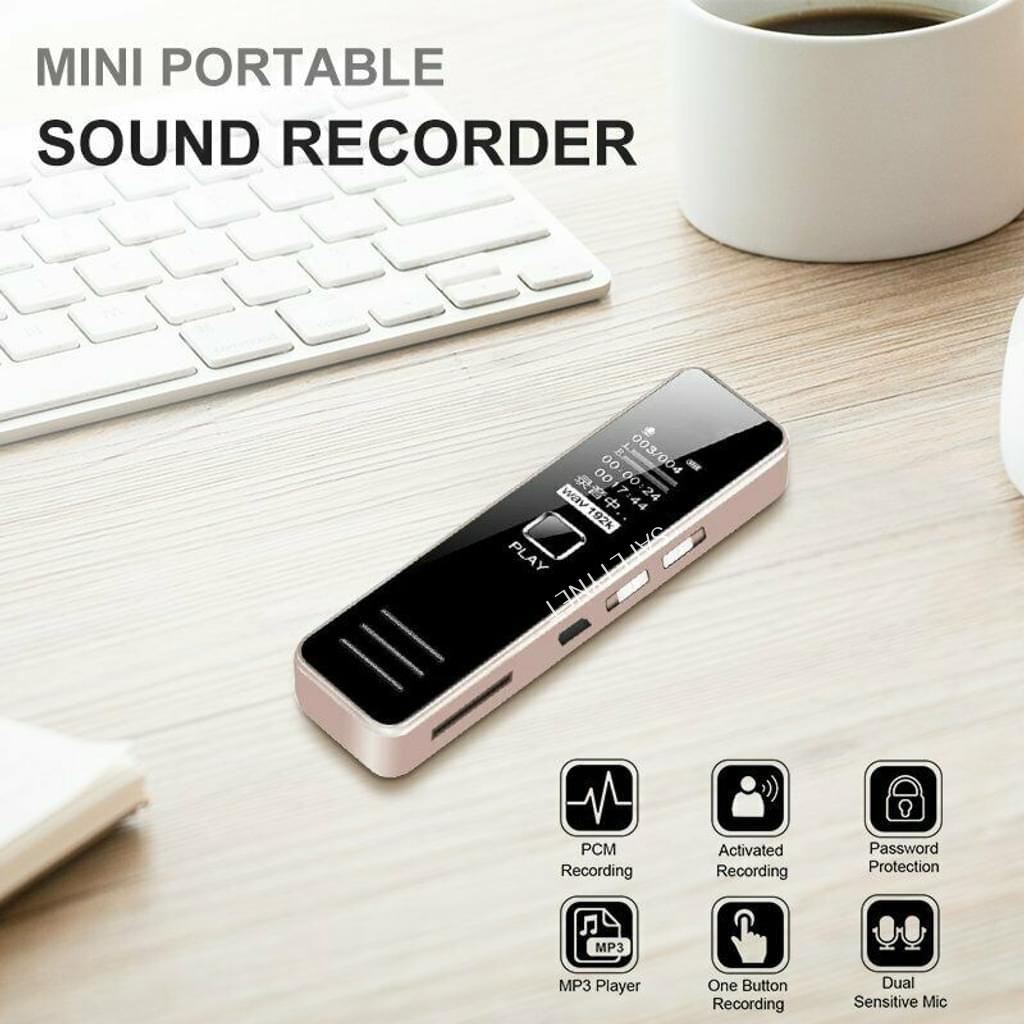
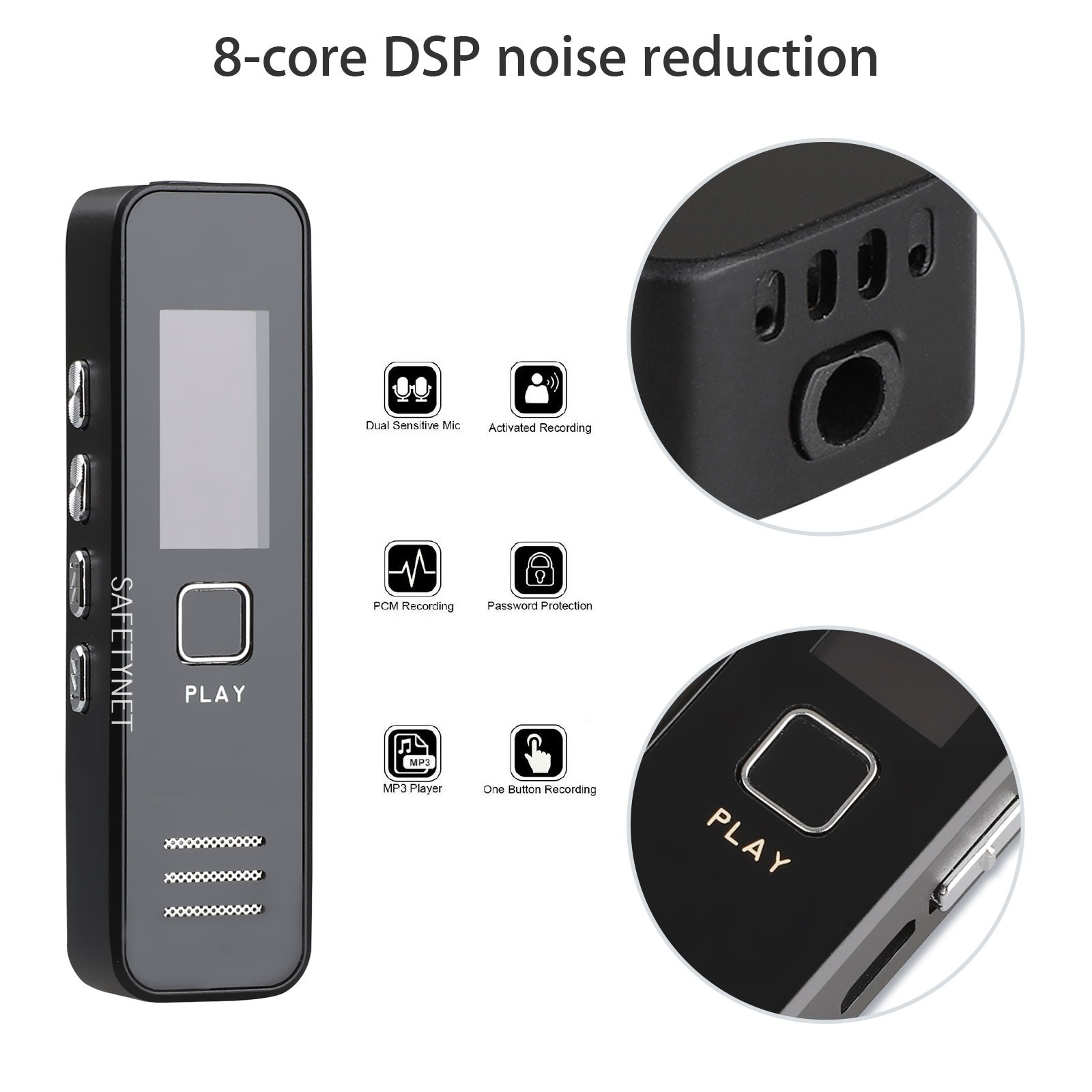
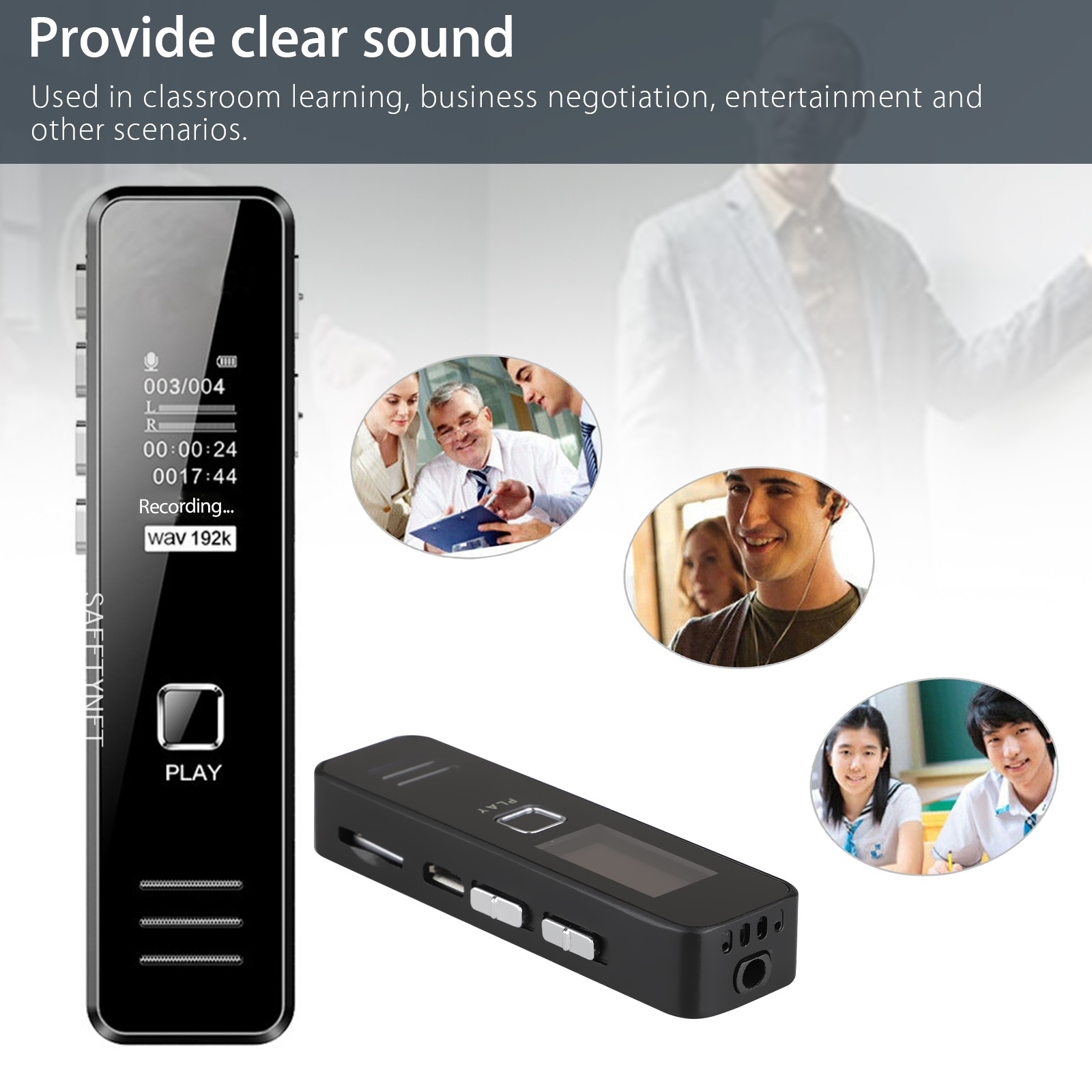
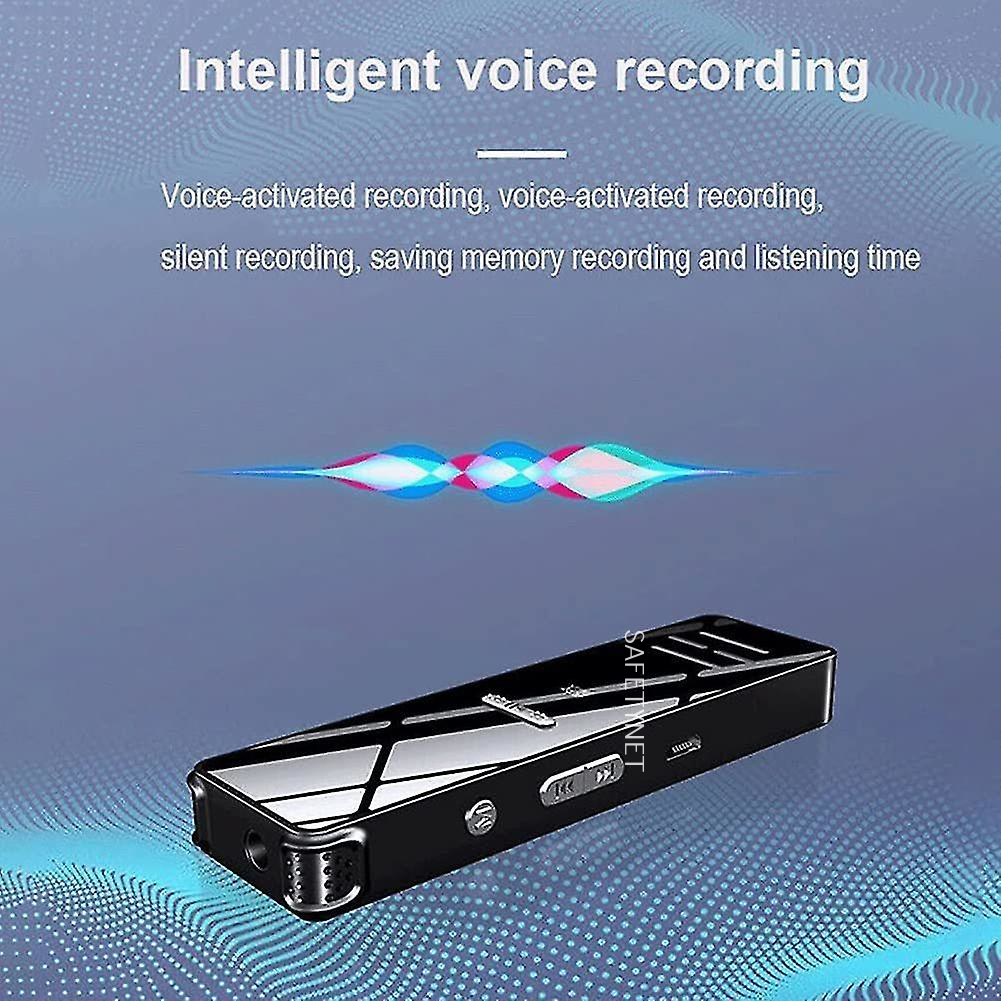
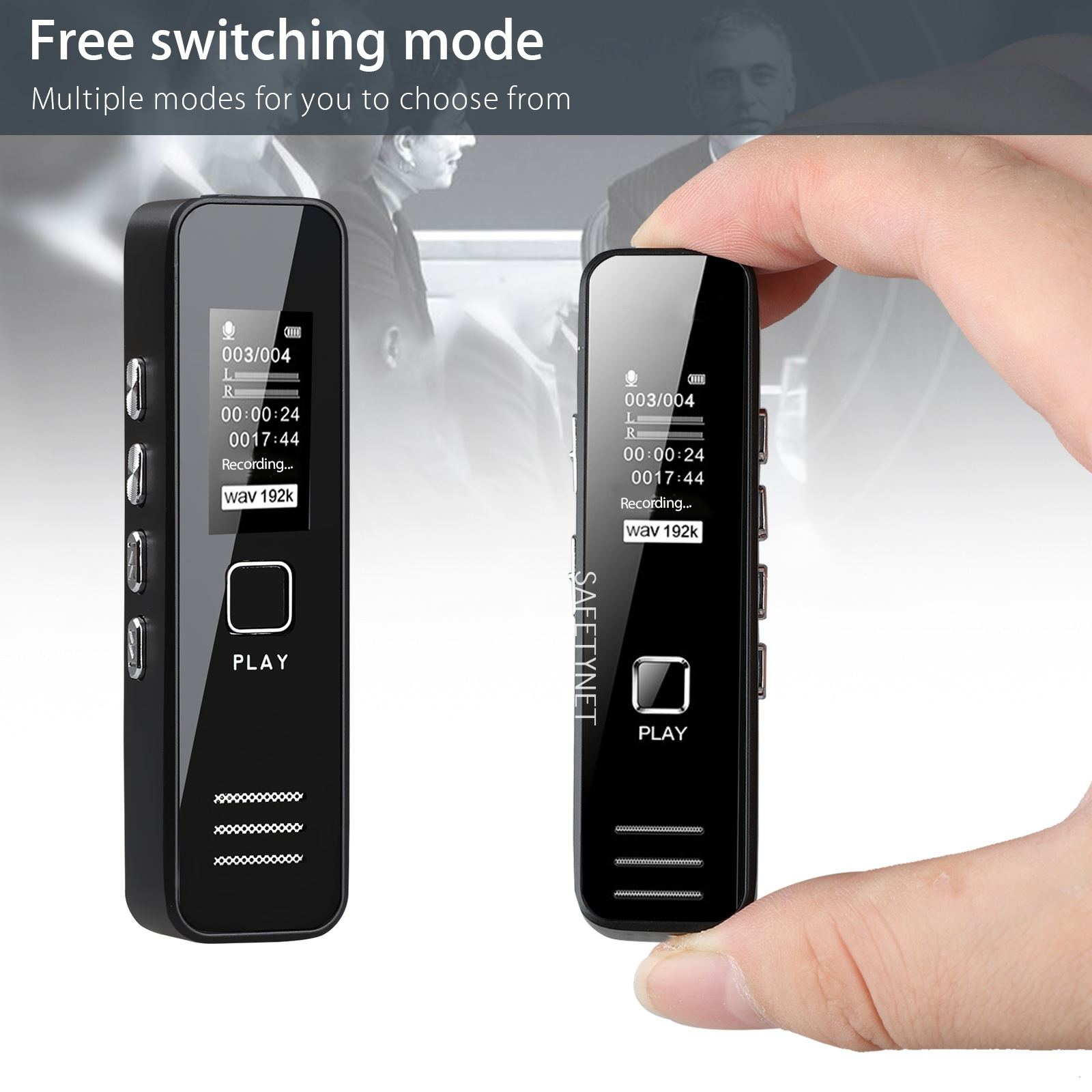
- Digital Voice Recorder With Mp3 Player 8GB. The digital voice recorder helps to capture meaningful moments with digital clarity. This tiny recorder fits into a pocket or bag with ease so you can record a lunchtime meeting or an impromptu musical performance and its automatic settings lets you focus on the audio instead of the controls. The backlit LCD lets you use it indoors or outside, and the recorder organizes files by date, so you can match them to your calendar. Its sensitive stereo microphones capture low-volume audio, and its internal memory offers plenty of recording time, so you won't run out of space in the middle of a critical lecture. 3-in-1 device, capture recordings with high quality and store files via USB memory stick with MP3 option. The special U disk shape of the recorder makes people never aware that they are being recorded and do not feel nervous. Supports U disk function. One key "REC" for easy recording. Rechargeable Li-ion battery. The spy voice recorder offers a longer play recording mode. Memory 8GB record.
- Brand: SAFETY NET
- Condition: NEW
- Weight: 40 (gm)
- Depth: 2 (cm)
- Width: 7 (cm)
- Height: 1 (cm)
Product Features
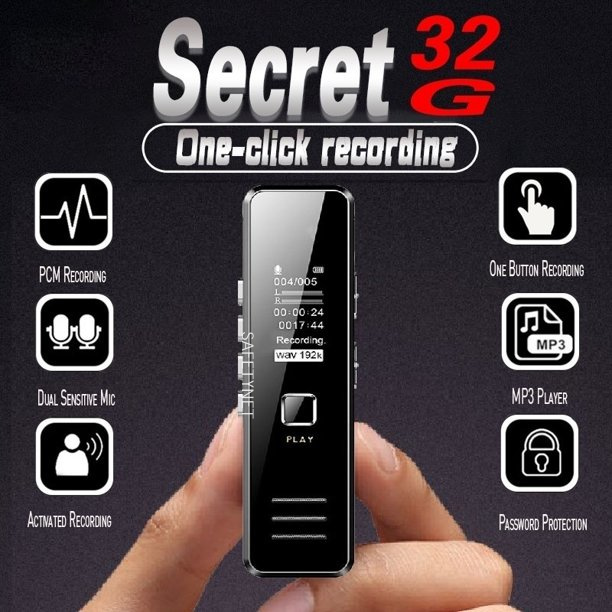
- Digital voice recorder and music player with high quality sound.
- One-touch recording, high efficiency for class, interviews, meetings, lectures, etc.
- High grade built-in microphone, allows you to record detailed conversations.
- Built-in rechargeable lithium battery, offers up to 10hrs continuous recording (fully charged).
- Supports 8GB/ 16GB/ 32GB memory card (not included).
- Small body, easy to carry and hide.
Directions to Use
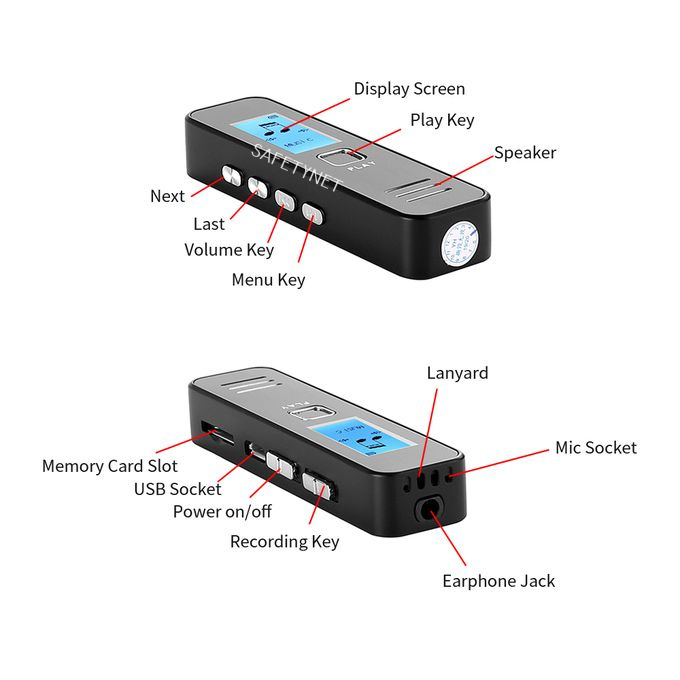
- POWER ON/OFF: - Switch the Power Key to On Spot Then the Device Will On. Switch The Power Key to Off Spot Then Device Will Off.
- RECORDEING/SAVE RECORDING AS AUDIO FILE: - Switch the Recording Key to The Spot of Recording When the Screen Light Is On, The Device Will Start to Record Sounds with The Recording Interface Showing Relevant Prompts. User Can Press the Play Key to Stop or Continues the Recording Process.
- SAVING RECORDED SOUND AS AUDIO FILE:- Switch the Recording Key to The Keep Spot Under Recording Mode, The Device Will Save The Currently Recorded Sounds as Audio File, And Press the Play Key to Play the Currently Saved Audio File by Pressing the Play Key.
- LED INDICATOR: -
- Indicator's visual effect:
- 1. The indicator "flashes three times" when entering recording mode.
- 2. The indicator "flashes once" when saving recorded sound as audio file...
- 3. The indicator "flashes once" synchronously when pressing any key.
- 4. The light of the indicator stays on when recording is suspended